Kopu Games
TiltSort
Gravity Match
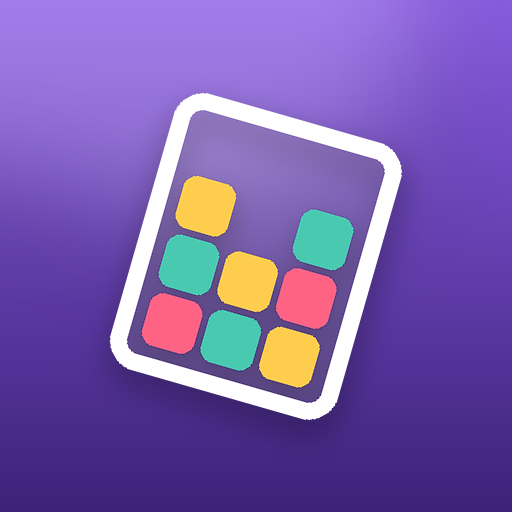
A gravity puzzle in a jar. You cannot touch the tiles; you can only turn the jar. Every jar has a known solution, and the game is seeing two or three tilts ahead.
How to play
Three things to know
Turn the jar
Every rotation lets the colored tiles fall to the new bottom.
Stack three
Land three tiles of one color in a vertical line and they clear.
Use the walls
Inner walls catch tiles, so a left turn and a right turn are never the same move. Clear the jar within the move limit.
Features
Why you will keep playing
- One control, real depth: rotating is easy, choosing the order is the puzzle.
- Levels take a minute or two. No timers, no lives.
- Undo for misjudged tilts, hints for the next rotation, extra moves when you are one turn short.
- A level map with stars, and every jar checked solvable before it ships.
Where is my progress saved?
On your phone by default. The game also offers an optional email/password account, so you can back up your progress and restore it on another phone: tap Account on the level map. Nothing is uploaded until you choose Back up this device. Purchases such as Remove Ads come back through Google Play, not the backup.
How do I delete my account?
In the game, tap Account on the level map, then Delete Account. If you no longer have the app, use our account deletion page to request deletion by email. Deletion removes the Firebase account and cloud save; local progress stays on your phone.
I am stuck on a level. Is it really solvable?
Yes. Every level is checked by a solver before it ships. Use undo or restart to try another order, or watch an optional ad for a hint that shows the next correct move.
How do I remove ads?
Buy Remove Ads in the in-game shop. It stops the ads that play between levels. Rewarded videos stay available as an optional way to earn hints and coins.
How do I change my ad privacy choices?
Open the shop and tap Privacy to reopen the consent form (it shows in regions where one applies). You can also reset your advertising ID or opt out of ad personalisation in your phone's settings.
I found a bug. How do I report it?
Email support@kopugames.com with the game name, the level or mode, and your phone model. A screenshot helps a lot.
More from Kopu Games